If you received a link to this article, your Procare Cloud account has been suspended, or you were on a local version of Procare and are required to update to Procare Cloud. Learn why this happened and what action to take.
Why Did I Receive this Notice?
The account was suspended due to an issue with processing the monthly payment. Several attempts were made to process the payment, and notifications were sent by email and through the News tab on the Procare Home screen.
What Actions Do I Need to Take?
Contact Procare to update the credit card on file or to sign up to move to Procare Cloud.
Once this is done, please allow up to 30 minutes for the update to process.
Double-click the globe icon in the Procare News bar.

Select Yes when prompted to confirm.
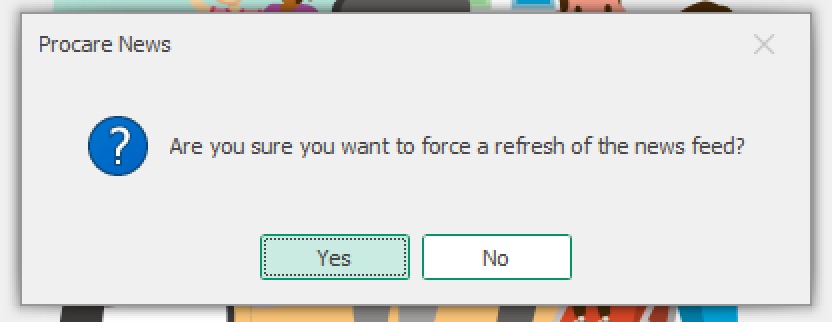
Close Procare, then reopen it.
After completing these steps, access should be fully restored. If help is needed at any point, the Procare support team is happy to assist.