
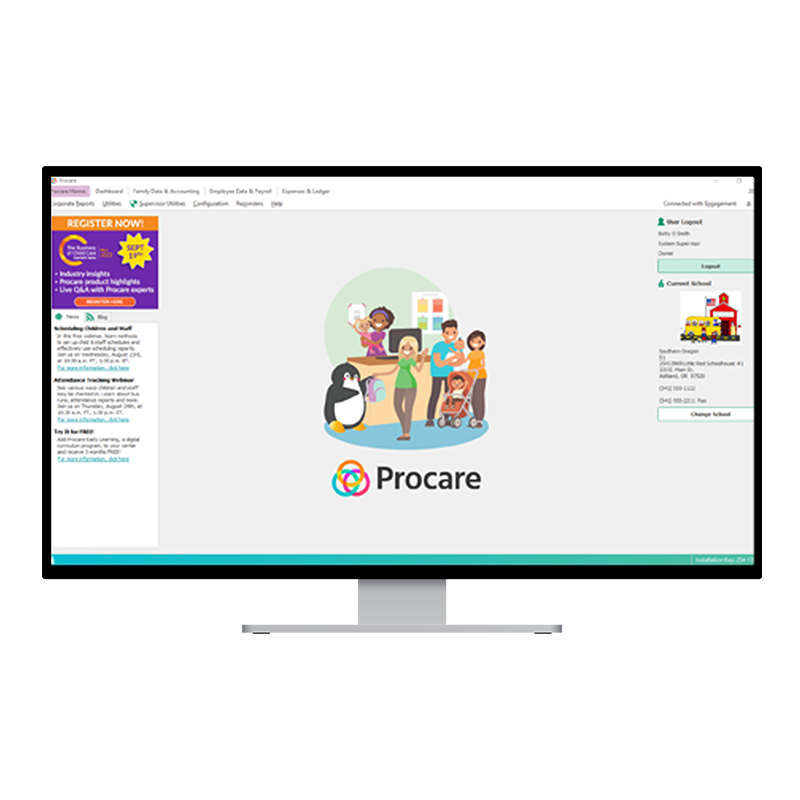
- Procare Desktop
Hours: M-F, 6 a.m. - 9 p.m. ET
Phone: (800) 964-1729
Email: support@procaresoftware.comFind answers about Procare Desktop, MyProcare, Engagement Functionality and Procare's integrated payment processing, including Tution Express.
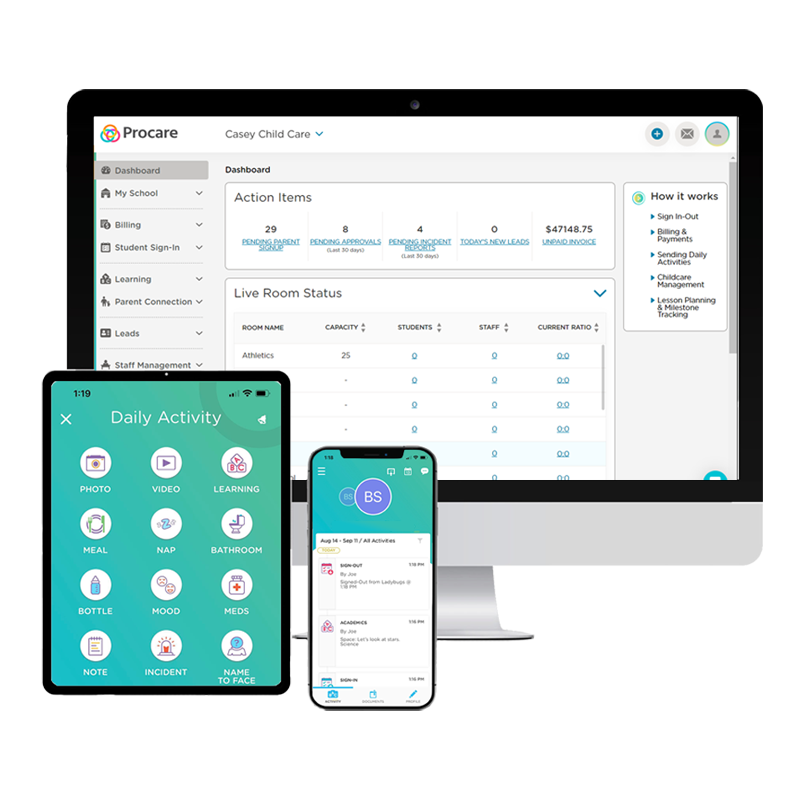
- Procare Online
Hours: M-F, 6 a.m. - 9 p.m. ET
Phone: (800) 964-1729
Email: support@procaresoftware.comFind answers about Procare Online and Procare's integrated payment processing, including Tuition Express.
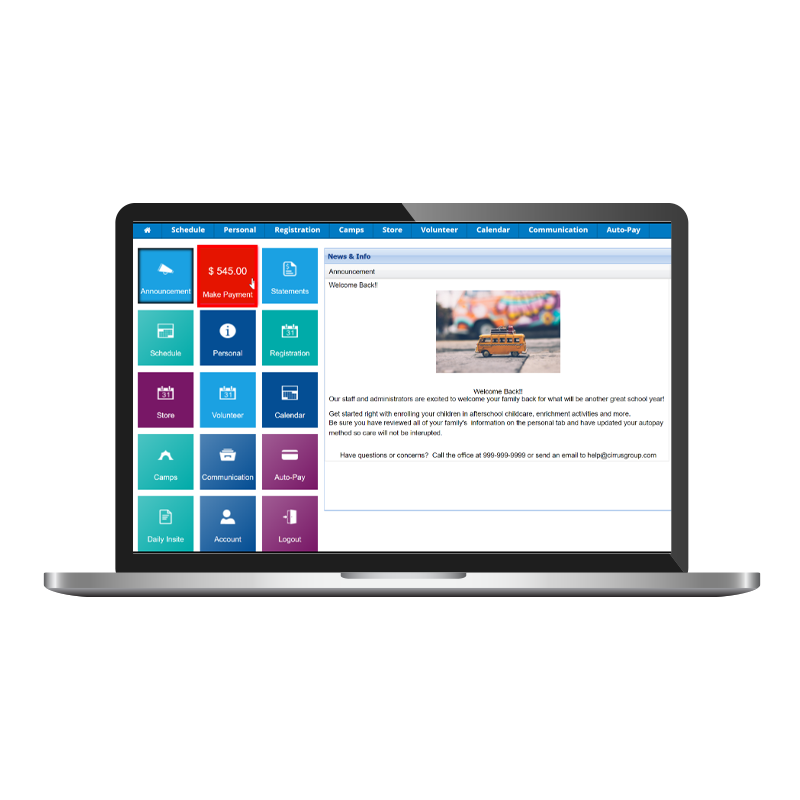
- Procare SchoolCare Works
Hours: M-F, 8 a.m. - 6 p.m. ET
Phone: (888) 466-8296
Email: scwsupport@procaresoftware.comFind answers about Procare SchoolCare Works and Procare's integrated payment processing, including Tuition Express.



 Upcoming Webinars
Join Procare Solutions webinar, along with Highlights for Children on May 10 at noon CT. We are excited to explore how the power of family engagement can significantly enhance children's educational journey and the significant role that parents and caregivers play in shaping a child's educational path.
 Take advantage of Procare's integrated payment processing
Save 10 hours a week by processing tuition payments with Procare!


- State Funding Programs and Resources
Find resources for your child care center that are specific for your state.
- User Community
Join our user community to provide valuable input on our products and features.
- Share Procare with a friend and get a $100 eGift card of your choice
If you have any friends or associates with a child care center who may need help running their businesses more effectively, let us know!